The Ultimate Guide to Using FledaSnap: Everything You Need to Know
FledaSnap has quickly become a game-changer in the world of digital productivity tools. Designed to streamline tasks and enhance efficiency, this tool offers a myriad of features tailored to meet the needs of professionals and casual users alike. Whether you're a seasoned user or just getting started, understanding how to maximize FledaSnap's potential can significantly boost your productivity.
Getting Started with FledaSnap
First things first, signing up for FledaSnap is a breeze. Simply visit their website, create an account, and you're all set. The user-friendly interface ensures that even beginners can navigate with ease. Once registered, you'll have access to a dashboard that allows you to customize your experience.
To make the most of FledaSnap, familiarize yourself with the basic features. These include task management, calendar integration, and collaborative tools. Each feature is designed to help you keep track of your projects and deadlines efficiently.
Key Features of FledaSnap
Task Management
One of FledaSnap's standout features is its task management system. Users can create tasks, set deadlines, and assign them to team members. This ensures that everyone is on the same page and that projects are completed on time.
Calendar Integration
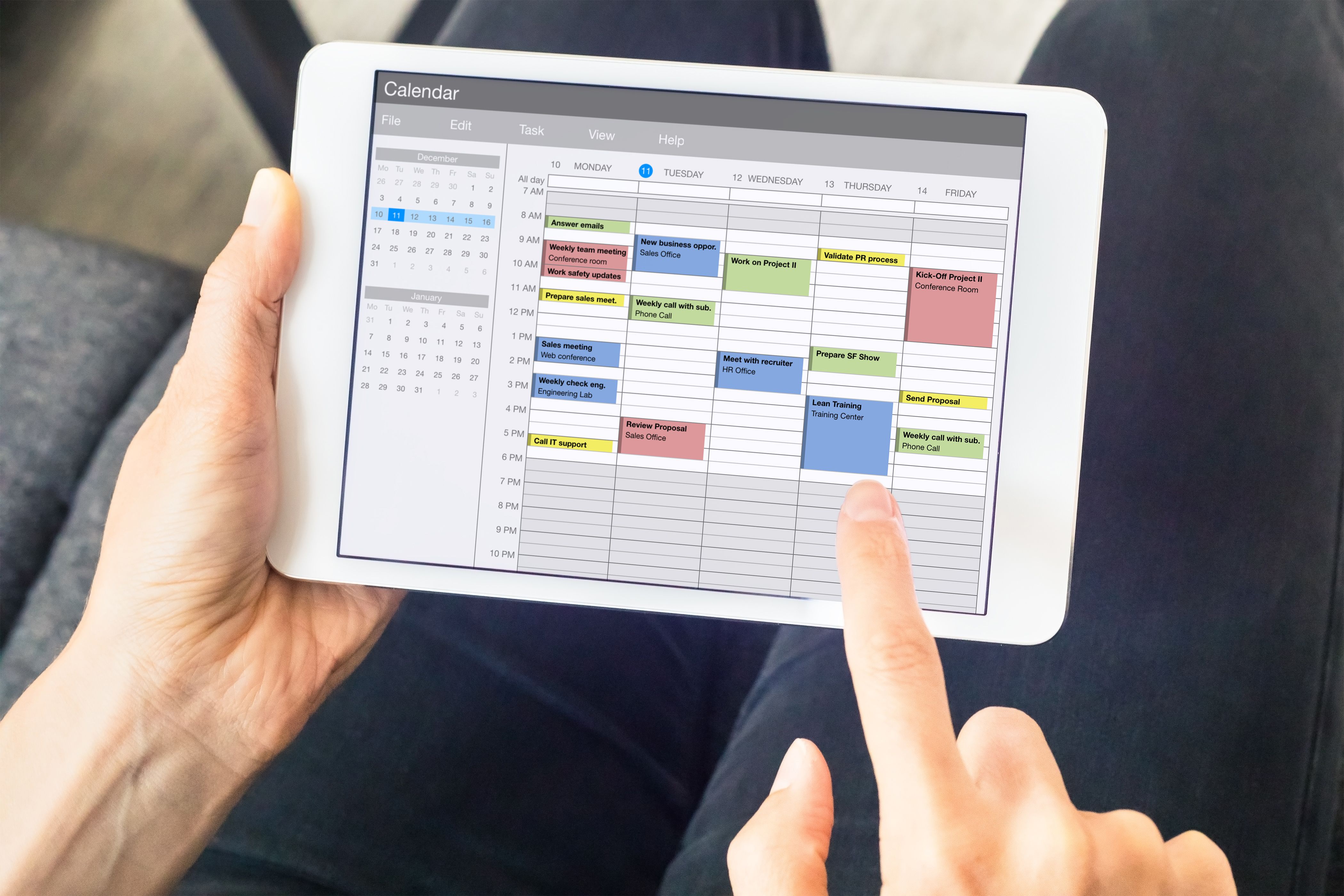
With calendar integration, FledaSnap allows you to sync with popular calendar apps, providing a consolidated view of your schedule. This feature is especially useful for juggling multiple projects and deadlines.

Collaboration Tools
Collaboration is at the heart of FledaSnap. The platform offers tools that enable real-time communication and file sharing among team members. This ensures seamless collaboration, regardless of where your team is located.
Advanced Tips and Tricks
To truly harness the power of FledaSnap, consider these advanced tips:
- Automate repetitive tasks: Use automation features to streamline your workflow.
- Customize notifications: Tailor alerts to keep you updated without overwhelming you.
- Leverage analytics: Use built-in analytics to track productivity and identify areas for improvement.

Frequently Asked Questions
As you navigate FledaSnap, you might have questions. Here are some common queries:
- Is FledaSnap compatible with other tools? Yes, it integrates seamlessly with various apps.
- Can I use FledaSnap offline? While most features require internet access, some functionalities are available offline.
- Is there a mobile app? Absolutely, FledaSnap offers a mobile app for both Android and iOS.
In conclusion, FledaSnap offers a comprehensive suite of tools designed to enhance productivity and streamline workflows. By understanding its features and capabilities, you can significantly improve your efficiency and collaborate more effectively with your team.