How Does FledaSnap Work? A Step-by-Step Tutorial
Introduction to FledaSnap
FledaSnap is a cutting-edge tool designed to streamline your workflow and enhance productivity. Whether you’re a professional or a hobbyist, FledaSnap offers features that cater to a wide range of needs. In this tutorial, we'll guide you through the process of using FledaSnap effectively.

Getting Started with FledaSnap
Before diving into the functionalities, it’s crucial to set up your account. Visit the official FledaSnap website and sign up using your email address. Once registered, you’ll receive a confirmation email. Click on the link provided to activate your account.
Setting Up Your Profile
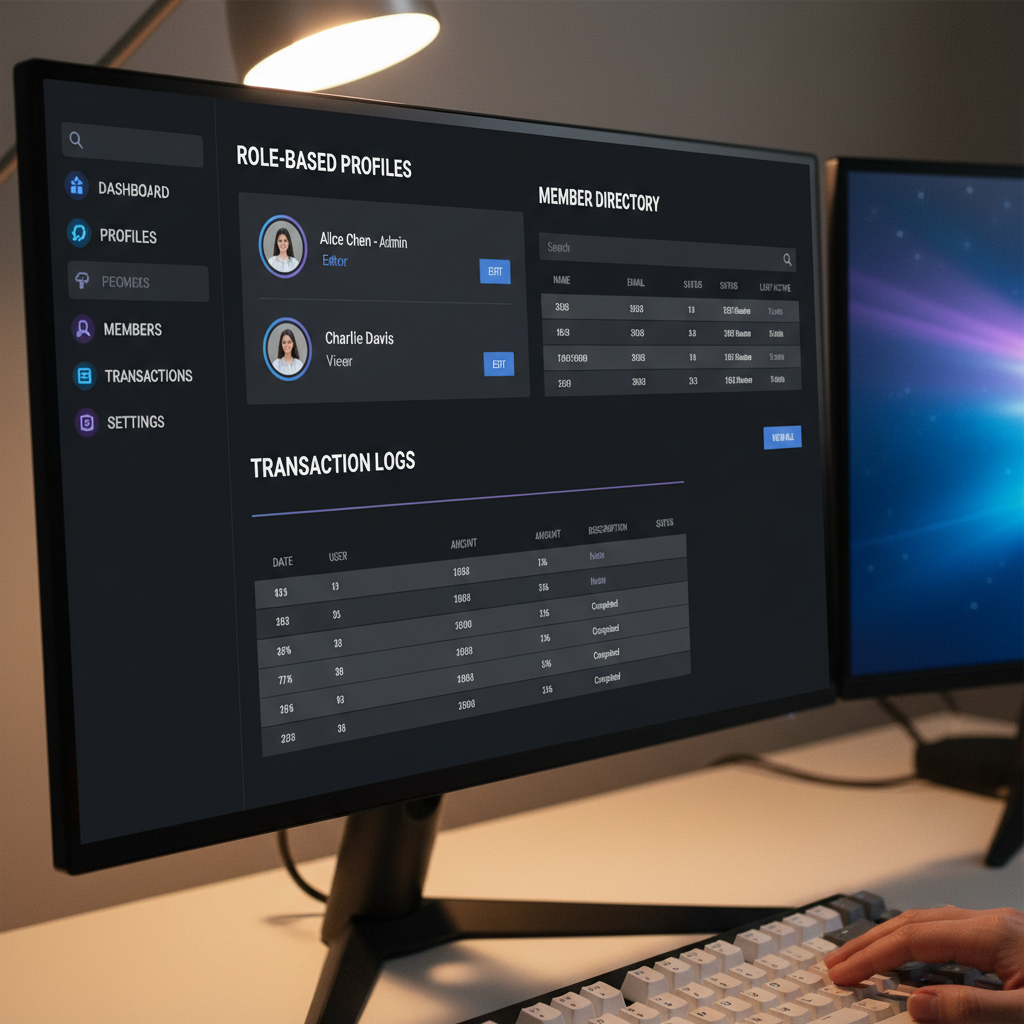
After activation, log in to your account and navigate to the profile section. Here, you can customize your profile by adding a profile picture and setting your preferences. This personalization helps tailor the FledaSnap experience to your needs.
Exploring the Dashboard
Once your profile is set up, you’ll be directed to the main dashboard. The dashboard is your control center, featuring a variety of tools and options. Familiarize yourself with the layout to maximize efficiency.
Key Features to Explore
The dashboard includes several key features such as:
- Task Management: Organize your tasks efficiently.
- Collaboration Tools: Work seamlessly with your team.
- Analytics: Track your progress with detailed reports.
Using FledaSnap for Task Management
Managing tasks with FledaSnap is simple. To create a new task, click on the “Add Task” button, input the necessary details, and set a deadline. You can also assign tasks to team members and set priority levels.
Organizing Your Tasks
Use labels and categories to organize tasks better. FledaSnap allows you to filter tasks based on priority, deadlines, or assigned team members, ensuring you stay on top of your responsibilities.
Collaborating with Your Team
FledaSnap is designed to facilitate collaboration. Invite team members by entering their email addresses under the “Team” section. Once added, you can assign tasks, share files, and communicate effortlessly through integrated chat features.

Effective Communication
Utilize FledaSnap’s chat and comment functionalities to maintain clear communication with your team. This ensures everyone is on the same page and helps prevent misunderstandings.
Tracking Your Progress
FledaSnap offers robust analytics tools to track your progress. Access detailed reports that provide insights into task completion rates, time management, and team productivity. Use these insights to make informed decisions and optimize your workflow.
Customizing Reports
Customize reports to focus on specific metrics that matter to your project. This customization allows for a more targeted approach to improving productivity.
Conclusion
FledaSnap is a versatile tool that can significantly enhance your productivity. By following this tutorial, you’ll be well-equipped to leverage its features effectively. Start exploring FledaSnap today and discover how it can transform your workflow.